
WeBucks Meal Credits vs. Traditional Catering Budgets: A Cost-Control Guide for HR Teams
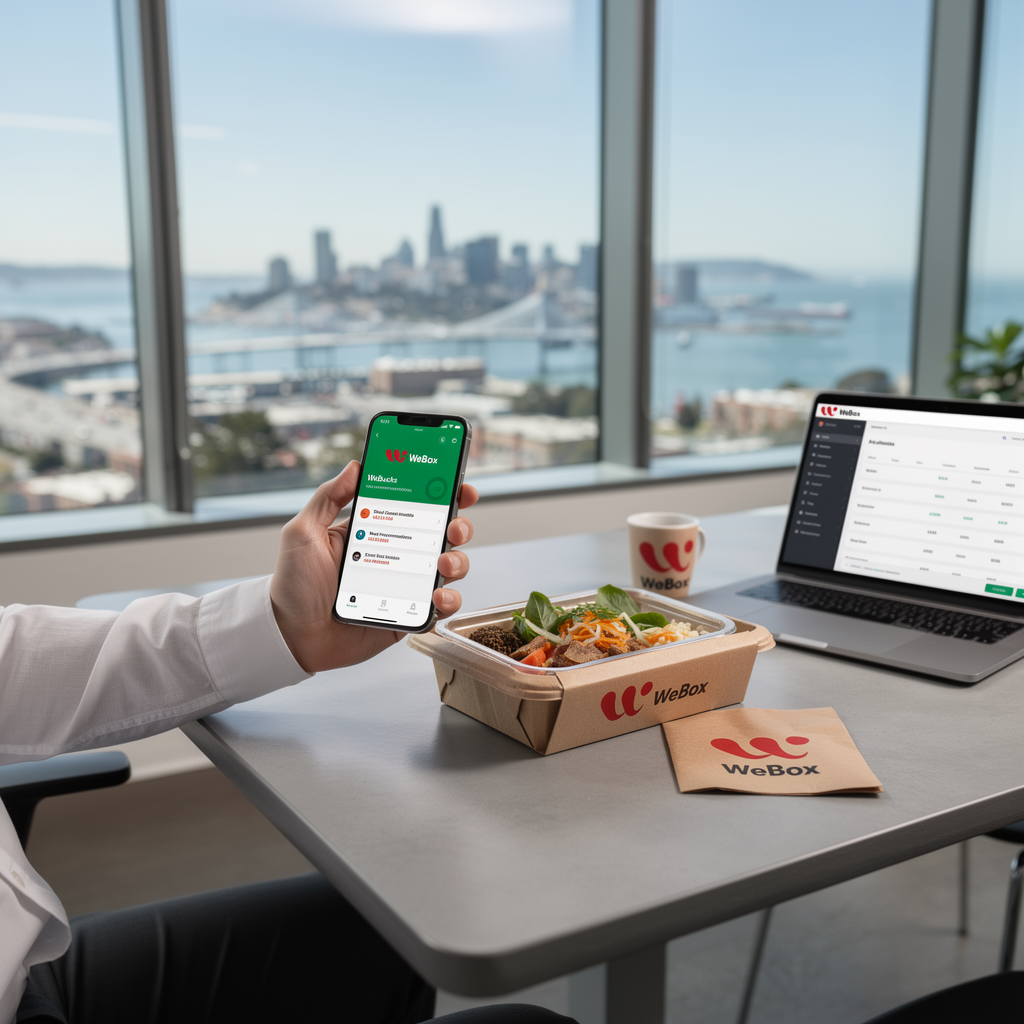
If you manage employee meals, you already know the drill: someone orders trays for a team lunch, half the food goes uneaten, and the invoice includes charges you never approved. Traditional catering budgets are notoriously hard to control. An employee meal subsidy program cost control strategy starts with replacing bulk orders with prepaid, per-employee credits. WeBucks, WeBox’s prepaid meal credit system, does exactly that. In this guide, I’ll walk through why catering budgets leak, how WeBucks credits work, and a practical rollout checklist based on real WeBox deployments across Bay Area companies.
Why Meal Subsidy Budgets Leak: The Hidden Costs of Traditional Office Catering
Traditional catering feels simple: you approve a per-head budget, a vendor delivers trays, and you pay the invoice. But the leaks show up later. From my experience working with HR teams, three hidden costs consistently blow up budgets:
- Over-ordering and waste: Caterers often require minimum headcounts or round up to full trays. If 10 people show up for a 20-person order, you pay for 20.
- Last-minute changes and fees: Adding attendees or changing dietary options after the cutoff triggers rush fees and premium pricing.
- Opaque invoicing: Delivery fees, service charges, and gratuity are often bundled, making it hard to see the true per-meal cost.
One HR lead at a Bay Area tech firm told me their monthly catering spend was 30% over budget for three consecutive months—mostly due to unused food and unplanned add-ons. That’s the leak.
How WeBucks Prepaid Credits Work: A Budget-Controlled Alternative to Bulk Catering Orders
WeBucks is a prepaid credit system built into the WeBox platform. Instead of ordering trays, HR teams allocate credits to employees. Each employee uses their credits to order individual meals from WeBox’s marketplace—which includes hundreds of restaurant brands across Fremont–San Jose, Mountain View–Palo Alto, Redwood City–San Mateo, and San Francisco–Oakland.
Here’s how it works in practice:
- Top-up once, spend down over time: HR purchases credits in bulk (via the WeBucks Top-Up feature) and distributes them. No per-order invoicing.
- Employee choice, employer control: Employees pick meals that fit their dietary needs and schedule, reducing waste from uneaten trays.
- Integrated with catering and pantry: WeBucks credits can also be used for box meals and office pantry items, giving you one budget line for all food spend.
Unlike traditional catering, where you commit to a headcount days in advance, WeBucks lets employees order when they’re actually hungry—so you’re not paying for no-shows.
WeBucks vs. Traditional Catering Budgets: Comparing Cost Predictability, Waste, and Overspend Risk
Here’s a side-by-side comparison based on what I’ve seen across WeBox clients:
| Factor | Traditional Catering | WeBucks Prepaid Credits |
|---|---|---|
| Cost predictability | Low—variable headcount, fees, and minimums | High—fixed credit pool, per-employee limits |
| Waste | High—over-ordering, unused trays | Low—employees order only what they eat |
| Overspend risk | High—last-minute add-ons, premium items | Controlled—credits cap spending per person |
| Admin effort | High—managing vendors, invoices, dietary requests | Low—automated credit distribution and reporting |
The biggest difference is waste. With catering, you pay for food that’s prepared but not eaten. With WeBucks, credits are only spent when an employee orders—so unused credits stay in your pool.
Setting Guardrails: Per-Employee Credit Limits, Top-Up Controls, and Spend Visibility
WeBucks isn’t just a prepaid card—it’s a budget-control tool. Here’s how to set guardrails that prevent overspend:
- Per-employee credit limits: Set a daily or weekly cap per employee (e.g., $15 per meal). This prevents someone from ordering a $40 steak dinner on the company dime.
- Top-up controls: Only HR admins can top up the credit pool. You can schedule automatic top-ups or require manual approval for large purchases. The WeBucks Top-Up feature (introduced in the January 2026 update) makes this straightforward.
- Spend visibility: The WeBox dashboard shows real-time credit usage by employee, team, or location. You can export reports to reconcile against your budget.
One client I worked with set a $12 per-meal limit and saw their average meal cost drop by 18%—not because they cut quality, but because employees stopped adding premium sides they didn’t need.
Pairing WeBucks Credits with AI-Powered Meal Recommendations to Reduce Off-Menu Spending
WeBox’s February 2026 update introduced personalized meal recommendations. When employees log in, they see suggestions based on past orders, dietary preferences, and budget. This isn’t just a nice-to-have—it reduces off-menu spending.
Here’s why: without recommendations, employees default to familiar but pricier items, or they add extra items “just in case.” With AI-driven suggestions, they’re nudged toward meals that fit their credit limit and taste preferences. In practice, clients using recommendations report fewer over-limit orders and higher satisfaction because employees discover new restaurants within their budget.
And because WeBox’s marketplace includes diverse cuisines—from Indian and Mediterranean to Hawaiian and Vietnamese—employees don’t feel restricted. They’re choosing from hundreds of brands, not a single caterer’s limited menu.
A Practical Rollout Checklist for HR Teams Moving from Catering Budgets to WeBucks Credits
Ready to switch? Here’s a step-by-step checklist based on successful transitions I’ve seen:
- Audit current catering spend: Pull 3–6 months of invoices. Calculate average cost per meal, waste percentage, and admin hours spent on catering.
- Define your credit policy: Decide per-employee limits (daily/weekly), eligible meal times, and whether credits roll over. Get sign-off from finance.
- Choose a pilot group: Start with one team or office location. WeBox offers a 30-day free trial for the Pro Plan—use it to test.
- Set up WeBucks in the WeBox dashboard: Configure credit pools, top-up rules, and admin permissions. Enable AI recommendations if available.
- Communicate to employees: Explain how credits work, how to order, and what’s covered. Emphasize choice and flexibility.
- Monitor and adjust: After two weeks, review spend reports. Adjust limits if needed. Gather feedback on restaurant selection.
- Scale company-wide: Once the pilot proves cost control, expand to other teams. Use the referral bonus program if you refer other companies.
One HR director at a 200-person company told me the switch cut their monthly food spend by 22% while improving employee satisfaction scores. The key was setting clear limits and letting employees choose.
Conclusion
Traditional catering budgets leak because they’re built on estimates and commitments, not actual consumption. WeBucks prepaid credits flip the model: you fund a pool, set guardrails, and let employees spend only what they need. For HR teams focused on employee meal subsidy program cost control, WeBucks offers predictable costs, reduced waste, and real-time visibility—without sacrificing meal quality or variety. If you’re ready to stop guessing and start controlling, pilot WeBucks with one team and measure the difference.