
Scheduled Food Delivery for Weekly Office Meals: A Cost and Coverage Checklist for HR Teams
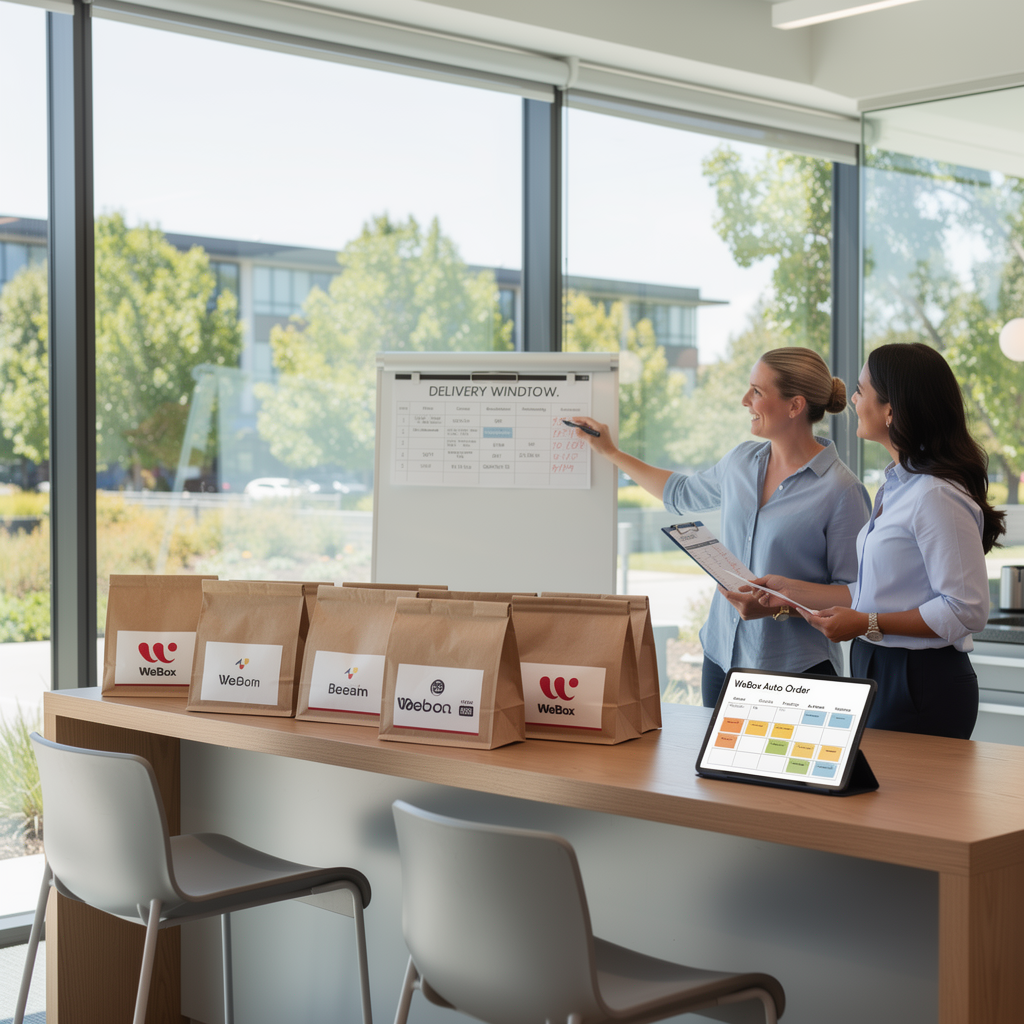
If you’re an HR or office manager in the Bay Area, you’ve probably tested a one-off lunch order and thought: this could be weekly. That leap from occasional to scheduled food delivery for offices is where budgets quietly break. A single order is easy to absorb; a recurring Tuesday and Thursday program with headcount swings, last-minute additions, and dietary gaps is a different operational animal. This guide walks through the cost and coverage questions we see teams miss before they hit “subscribe” on a weekly meal schedule.
What Counts as Scheduled Food Delivery (And What It Doesn’t)
Not every recurring lunch is a scheduled delivery program. The distinction matters because it determines who owns the budget, the vendor relationship, and the failure modes.
- True scheduled delivery: a fixed cadence (e.g., every Tuesday and Thursday at 11:45am), a locked restaurant or rotating roster, a per-head budget, and a delivery window your team can plan around.
- Not scheduled: ad-hoc orders placed the morning of, individual employee reimbursements, or a one-time catering drop for an all-hands.
- Hybrid: a base weekly order plus a catering add-on for events (WeBox supports catering drop-off and onsite options for 10 to 1,000 guests, which is useful when a team lunch collides with a quarterly review).
If your program can’t survive a Wednesday headcount change without a Slack scramble, it isn’t scheduled yet.
The Cost Side: Headcount Changes, Last-Minute Additions, and Cancellations
Per-meal pricing is the easiest number to compare and the least useful one. The real cost is variance.
Headcount swings
Hybrid teams rarely sit at the same number two weeks in a row. A 30-person office can swing to 22 on a Friday. If your plan is priced per head with no adjustment mechanism, you either over-order or under-feed.
Last-minute additions
A new hire, a visiting client, or a candidate onsite for interviews adds plates you didn’t forecast. Decide in advance whether additions are absorbed by the base order or billed back to a department.
Cancellations
Weather, holidays, and offsites cancel lunches. Ask your vendor what happens to a canceled scheduled order: credit, rollover, or loss. WeBox’s March 2026 update introduced an emergency replacement buffer for canceled orders, which is the kind of logistics detail worth asking about before you sign.
Rule of thumb: budget for a 10–15% headcount variance and confirm the cancellation policy in writing. If you can’t state both numbers, you don’t have a lunch budget — you have a guess.
The Coverage Side: Bay Area Regions, Cuisine Diversity, and Delivery Windows
Coverage is where Bay Area programs get complicated, because “the Bay” is really four distinct delivery markets.
| Region | What to verify |
|---|---|
| Fremont–San Jose | Indian, Mediterranean, Chinese, Italian, Vietnamese, Hawaiian, BBQ |
| Mountain View–Palo Alto | Italian, American, Thai, Indian, Mediterranean, deli |
| Redwood City–San Mateo | BBQ, Indian, Thai, Burmese, Mexican, poke |
| San Francisco–Oakland | Korean, Burmese, Mediterranean, Nepalese, pizza, deli |
WeBox has expanded its marketplace across these four regions through 2025 and 2026, adding brands like Square Pie Guys, SAJJ Mediterranean, UlavacharU, Burma Superstar, BB.Q Chicken, Curry Up Now, and Falafel Flare. The practical takeaway for HR: ask your vendor to map your office address to actual restaurant availability, not a marketing region.
Delivery windows
Confirm the promised window, not the average. A 12:00–12:15pm window is usable; “around lunch” is not. For weekly programs, a 15-minute buffer before your standing meeting is the difference between a perk and a disruption.
How WeBox Auto Order Fits Into a Weekly Office Meal Schedule
WeBox Auto Order is built for exactly this pattern: a recurring office meal subscription rather than a one-off order. In June 2026, WeBox rolled out a redesigned Auto Order setup with a six-step wizard, which is worth walking through before your first live week.
A practical setup looks like this:
- Pick your cadence (e.g., Tuesday and Thursday).
- Lock a rotating restaurant roster across your region so cuisine doesn’t go stale.
- Set per-head budget and a base headcount.
- Define how additions and cancellations are handled.
- Confirm the delivery window and drop-off point.
- Assign one backup admin so a single PTO day doesn’t cancel lunch.
WeBox also offers an office pantry service and catering for events, so a weekly Auto Order can sit alongside a stocked snack shelf and occasional themed catering (Cinco de Mayo DIY taco bar, Italian, Korean, Indian, Thai themes were introduced in 2026).
A Pre-Launch Checklist for HR and Office Managers
- Headcount baseline: average onsite attendance over the last 4 weeks, not total headcount.
- Variance rule: written policy for additions and no-shows.
- Cancellation policy: credit, rollover, or loss — confirmed in writing.
- Coverage check: restaurant availability for your exact address and region.
- Cuisine rotation: at least 3–4 distinct cuisines to avoid menu fatigue.
- Dietary map: vegetarian, vegan, halal, gluten-free, and allergy handling.
- Delivery window: confirmed start and end time, with a buffer before meetings.
- Two admins: primary and backup for the Auto Order.
- Budget cap: monthly ceiling with a mid-month check.
- Trial period: WeBox offers a 30-day free trial for the Pro Plan — use it to test a full month of real variance before committing.
Common Scheduling Mistakes That Blow Up the Lunch Budget
- Ordering for total headcount, not onsite headcount. The fastest way to waste 20% of your budget.
- Ignoring the cancellation policy. Holidays and offsites add up.
- One restaurant, every week. Engagement drops and uneaten meals rise.
- No backup admin. One PTO day cancels a scheduled order.
- Treating catering and weekly meals as the same line item. They have different vendors, lead times, and budgets.
- Skipping the trial month. A single pilot month exposes variance you can’t predict on a spreadsheet.
Scheduled food delivery for offices works when cost rules and coverage are defined before the first order, not after the first surprise invoice. Run the checklist, test a full month, and let the data — not the menu — set your weekly cadence.